

Dust does not appear harmful, but once it gets on furnishings and electronic equipment, it may silently turn out to be harmful in the long run. Often, inappropriate dusting techniques can cause more damage than benefit, not only to poor wooden finishes but also to scratched screens, overheating devices, and so on. Most of them unknowingly apply incorrect tools or cleaning methods, thus damaging the surfaces permanently or shortening the life of their devices. Knowing how to dust furniture and wipe down electronics without damaging Them in a bad state is vital in maintaining a clean, safe, and well-maintained home.
The guide is concerned with risk-free and tested techniques that avoid damaging surfaces and yet are useful in dust removal. There are no exceptions to this, and no matter what you are cleaning, wood furniture, flat-screen televisions, laptops, or office computer electronics, there is a correct way to go about it.
Why Proper Dusting Matters for Furniture and Electronics
Dust is not just loose dirt. It also has small abrasive particles that have the potential of scratching furniture finishes and protective screen paint when wiped improperly. When one keeps wiping furniture with rough materials, the surface will be worn off slowly, making it dull and uneven. On electronic devices, dust accumulation may compromise vents, lien heat, and deteriorate performance with time.
Inadequate dusting may also drive dust further into keyboards, ports, and other vents, which may in turn cause internal damage. Improper application of moisture may result in its collection in electronic parts or bending thin wood. That is why it is important to use safe methods of electronics cleaning and soft furniture dusting to ensure both the beauty and functionality of the equipment.
Tools You Should Always Use for Safe Dusting
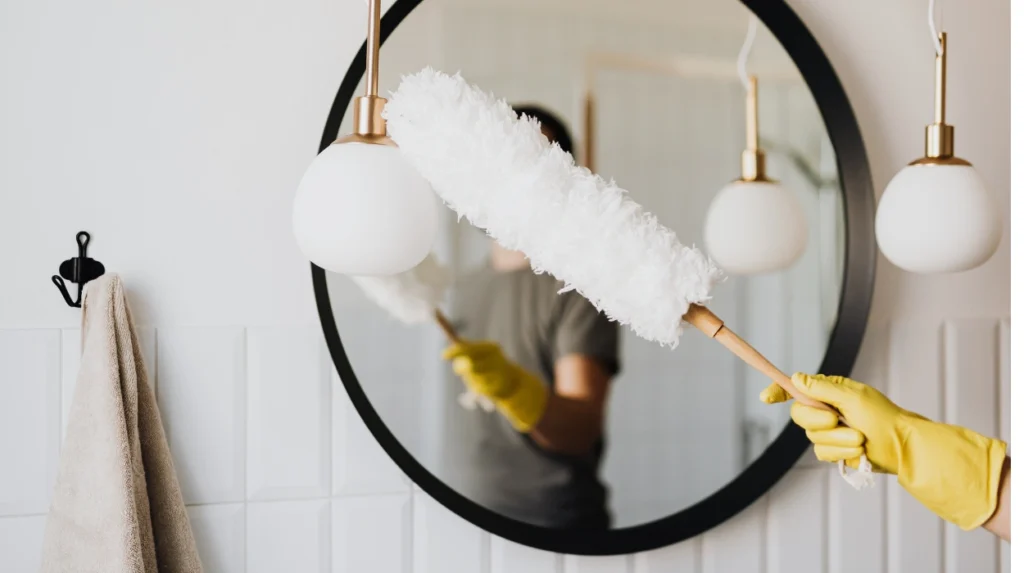
The tools used are significant in avoiding scratches and damage to the surface. In the case of furniture, microfiber cloth is the best choice since it does not send dust along; it traps it. The non-abrasive, lint-free cloth would be used to lift the particles gently without damaging the wood finishes, glass surfaces, and laminated furniture.
Wearing the correct clothes also helps to avoid the accumulation of residue that may be the case with rough materials. Special tools are also important in the case of electronics. Use of antenstatic brushes is safe on tight sections, and the cloths cannot be accessed.
What to Do Before You Start Cleaning
Preparation is a key aspect that should not be ignored, yet it is among the most significant actions in cleaning electronics in a safe manner. Letting the devices cool down prior to cleaning also helps avoid the evaporation of moisture in an uneven manner and form streaks.
In the case of furniture, it is important to get rid of the loose dust prior to wiping. Cleaning the surface by lightly spraying without pressure will ensure that the finish is not scratched by abrasive particles. This is a very small measure that will go a long way in minimising the wear on surfaces and also in ensuring a polished look in the long run.
How to Dust Furniture Without Damaging the Finish
The process of dusting furniture must be done in a delicate and reserved way. Pressure should not be exercised, especially on wood materials, as it can grind dust into the finish. The dusting must never be made along the natural grain of the wood to produce an apparent mark and scratch.
By slightly moistening the cloth with distilled water, it is possible to trap dust without leaving behind moisture. One should never have too much water, as it can leak into joints or lead to swelling. When you do the right way of dusting the furniture, you prevent damaging the surface and at the same time do not lose the original shine.
How to Wipe Down Electronics Safely
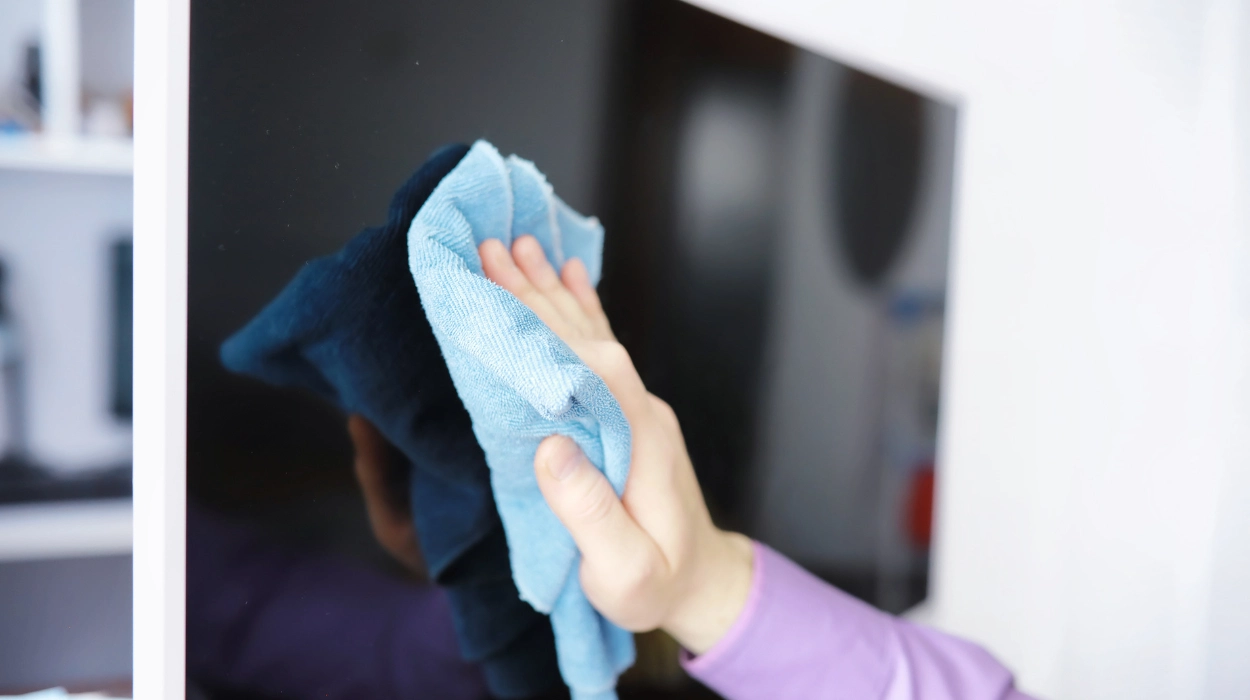
It takes time to clean electronics without breaking them, as well as the appropriate method. In the case of screens, i.e., TVs, monitors and laptops, always apply a dry cloth or slightly moistened microfiber cloth. Wipe in a single direction and not circular movements, as it makes streaks. It is not recommended to apply liquid to the screen directly because liquid may get into the edges of the screen and destroy internal parts.
Dust is easily gathered in keyboards, ports, and vents and should be looked into. The safest method of cleaning these places is using compressed air. Keeping the can a little away will stop moisture accumulation well as clear dust. This will be a safe method of cleaning electronics without the danger of scratches, moisture, and even any buildup of electrons.
Cleaning Solutions That Are Safe and What to Avoid
The process of wiping electronics and furniture with the correct cleaning solution is an important choice. One of the most safe to use is distilled water, which does not leave any residue of minerals. To go further, and particularly with electronics, the disinfectant 70% isopropyl alcohol on a cloth, not directly on the equipment, may be used safely on the surface of an electronic device without harming the coating of the device.
Electronics and sensitive furniture finishes must never be exposed to harsh chemicals like bleach, ammonia, vinegar and window cleaners. The substances are capable of removing protective coats, discolouring, as well as causing permanent damage. To avoid the unsafe cleaning products, it is just as important as using the correct cleaning products.
How Static Electricity and Dust Affect Electronics
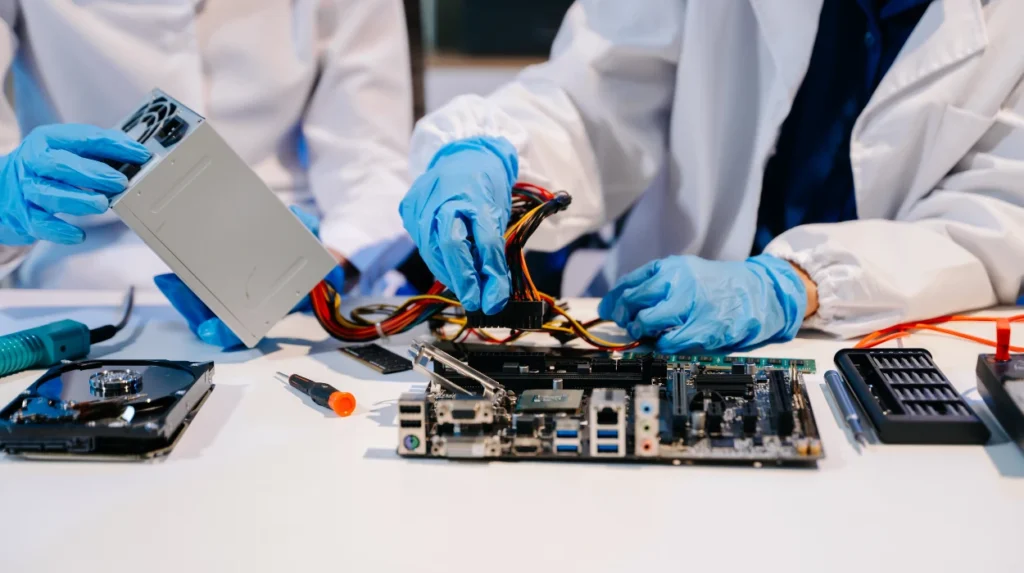
One of the factors that is overlooked in the maintenance of electronics is the issue of static electricity. During the dry dusting process, it may produce static charges and disrupt the sensitive components, particularly in the case of using the wrong materials. The accumulation of the static charge may draw additional dust so that surfaces become contaminated soon after being cleaned.
Washing electronics carefully and without rash and dry rubbing will eliminate the discharge of static electricity. Knowing the interaction between the electricity and dust that is at rest will enable you to clean the devices without damaging the functionality of the equipment in the long run.
Common Mistakes That Cause Scratches and Damage
Surfaces are easily ruined by the use of paper towels, tissues or old cloths by many individuals without their intention. Such materials are abrasive and have the ability of micro-scratches on furniture and screens. The second error is the tendency to spray cleaning liquid on the surface, and this exposes the areas to the risk of being harmed by moisture.
There are also problems with rushing the cleaning process. When you press the buttons too much, rub dirty surfaces repeatedly by using the same cloth or neglect dust in vents can reduce electronics (as well as furniture) life span. These are the pitfalls that should be avoided to ensure that looks and performance are maintained.
How Often Should You Dust Furniture and Electronics?
When you dust your furniture once a week, you’re stopping dirt from piling up. It’s like brushing your teeth daily instead of waiting for a cavity. Your furniture needs attention every week. Nothing fancy. Just a soft cloth and gentle wiping. This keeps the finish looking good.
Same deal. Give them a light wipe weekly. Then, once a month, get into the details. Clean those keyboard keys. Check the vents. Wipe down screens properly. These small steps make a huge difference.
They use harsh chemicals. They scrub too hard. Scratches. Water damage. Worn-out surfaces.
I’ve seen it happen countless times. Someone thinks they’re doing the right thing by deep cleaning everything at once. But that aggressive approach actually damages delicate surfaces.
Use the right tools. Follow safe methods. Skip the harsh chemicals. When you dust furniture and wipe down electronics the proper way, you’re not just cleaning. You’re protecting your investment. Your furniture stays polished. Your devices keep working smoothly.
Now, some surfaces need extra care. If you’re nervous about handling delicate items or want a thorough professional clean, Bee Cleaning Services Manchester can help. Their team knows how to clean furniture and electronics safely without causing any damage.